Installing / upgrading within Stencyl
-
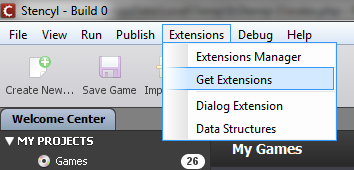
In Stencyl's menu bar, click Extensions > Get Extensions.
-
Enable external repositories if needed, and add the
http://www.polydes.com/reporepository.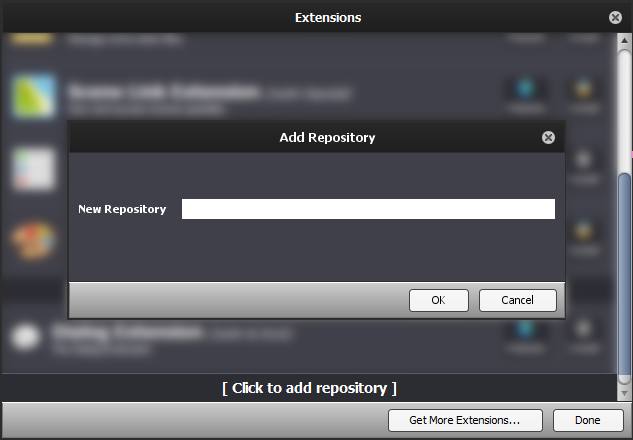 http://www.polydes.com/repo
-
Install "Dialog Extension".
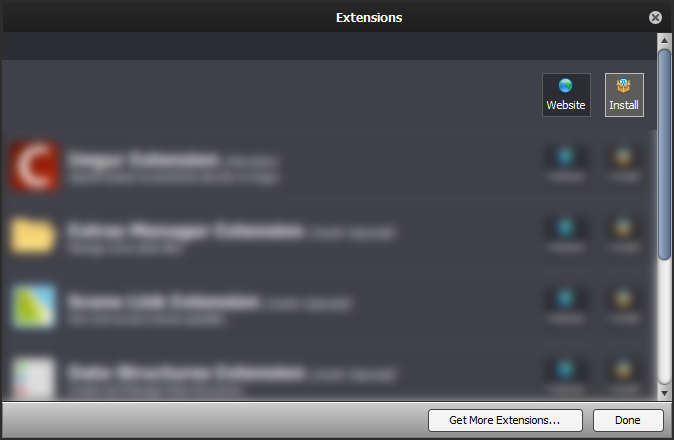 http://www.polydes.com/repo - engine extensions
 Dialog Extension
The Dialog Extension
Manual Installation
- Download the desired version from the versions page.
- In Stencyl's menu bar, navigate to Tools > View Folder > Workspace Folder.
- Extracting the downloaded
.zipfile will result in acom.polydes.dialogfolder that containsinfo.txt, among other files. Move that folder into theengine-extensionsfolder in the Stencyl workspace.stencylworks/ └─engine-extensions/ └─com.polydes.dialog/ ├─blocks.xml ├─include.xml ├─info.txt - Close Stencyl and open it again.