Installing / upgrading within Stencyl
-
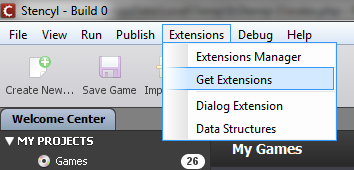
In Stencyl's menu bar, click Extensions > Get Extensions.
-
Enable external repositories if needed, and add the
https://www.polydes.com/byrobingamesrepository.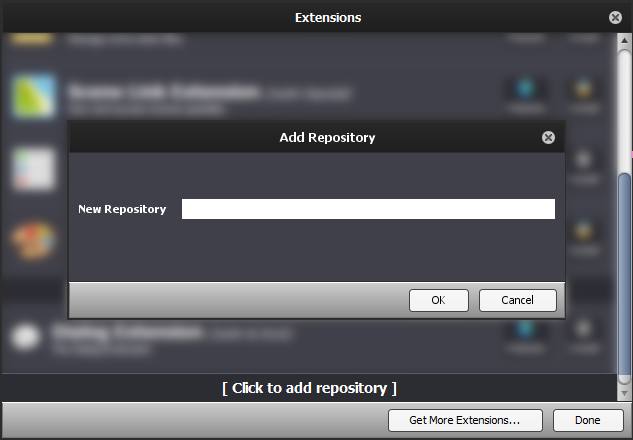 https://www.polydes.com/byrobingames
-
Install "Has App".
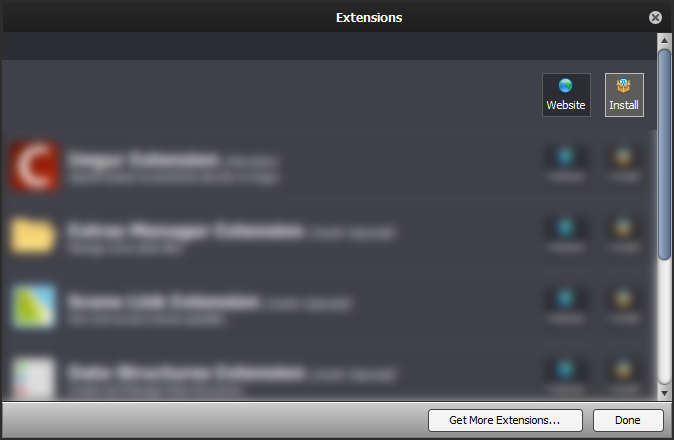 https://www.polydes.com/byrobingames - extensions extensions
 Has App
Detect if an Android app is installed or not (by name or package).
Manual Installation
- Download the desired version from the versions page.
- In Stencyl's menu bar, navigate to Tools > View Folder > Workspace Folder.
- Extracting the downloaded
.zipfile will result in ahasappfolder that containsstencyl-extension.json, among other files. Move that folder into theengine-extensionsfolder in the Stencyl workspace.stencylworks/ └─engine-extensions/ └─hasapp/ ├─stencyl-extension.json ├─... - Close Stencyl and open it again.